Lubuntu 14.04.1 Fresh Install Won't Boot: runaway loop, USB
An answer to this question on Ask Ubuntu.
Question
I have a fresh install of Ubuntu 14.04.1.
I tried to boot into it several times, waiting >4 minutes each time, and saw only a fat blinking cursor in the upper left.
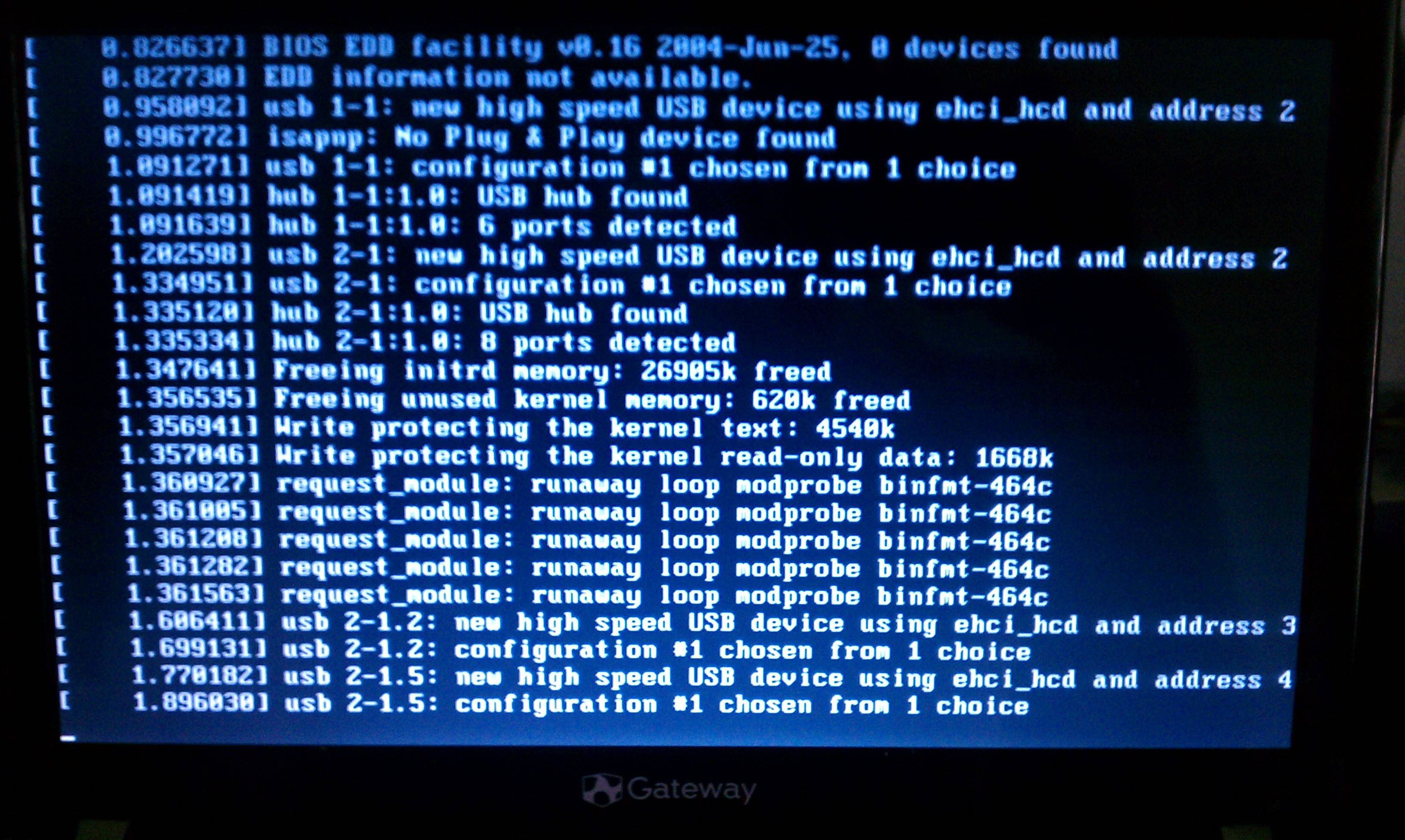
I chrooted into the OS from a LiveCD flash stick, updated all packages, and told GRUB to give me the debugging output.
I tried booting again and got this screen:
~4 minutes later, this came up:
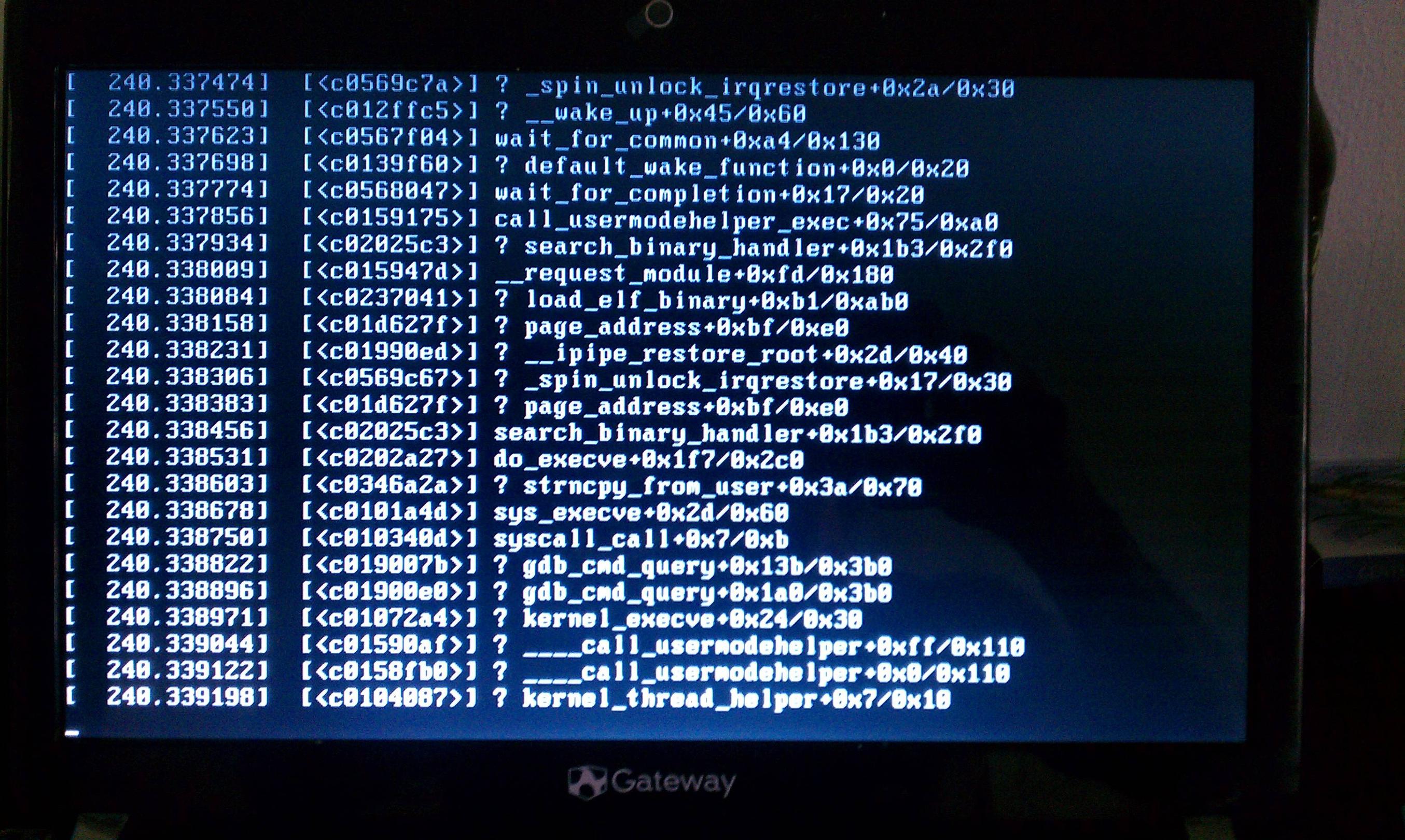
A reasonable (albeit untimed) amount of additional waiting did not result in additional messages.
I've searched my /var/log files for the key words here, but apparently the log was not saved.
Installing bootchart did not yield a log either.
I'm not sure what to do, but am considering installing an older kernel.
Any thoughts as to what the issue might be?
Answer
So, I found a way to get things booted: downgrade the kernel.
The kernel that came with 14.04.1 was 3.13.0-32-generic. The kernel that worked was 3.13.0-24-generic. It is available in the repositories.
How to get it?
Boot from a LiveCD/flash drive and open a terminal.
Now, we need to load ourselves into the computer's new, non-functional OS:
sudo mount /dev/sda1 /mnt
sudo mount --bind /dev /mnt/dev
sudo mount --bind /proc /mnt/proc
sudo mount --bind /sys /mnt/sys
sudo chroot /mnt
After the final command all commands you type are now executed as though you had actually booted up the computer. This is handy, because it means we can use:
sudo apt-get update
sudo apt-get upgrade
To grab the latest packages and install them.
We can think downgrade the kernel with:
sudo apt-get install linux-image-3.13.0-24-generic
sudo apt-get install linux-image-extra-3.13.0-24-generic
We can then be sure that GRUB is updated using:
sudo update-grub
If initramfs complains about things, you may need to run:
sudo update-initramfs
But this is unlikely.
After installing the kernel and updating grub, reboot.
Start-up will probably fail again by showing a blank screen or one with a single blinking cursor in the upper left. Ctrl+Alt+Delete to restart a second time.
Now, the GRUB menu will show. Head to Advanced Options for Ubuntu, and boot into the older kernel. After this, things booted just fine for me.