easiest way to discretize continuous scales for ggplot2 color scales?
An answer to this question on Stack Overflow.
Question
Suppose I have this plot:
ggplot(iris) + geom_point(aes(x=Sepal.Width, y=Sepal.Length, colour=Sepal.Length)) + scale_colour_gradient()
what is the correct way to discretize the color scale, like the plot shown below the accepted answer here (https://stackoverflow.com/questions/6793881/gradient-breaks-in-a-ggplot-stat-bin2d-plot)?
ggplot correctly recognizes discrete values and uses discrete scales for these, but my question is if you have continuous data and you want a discrete colour bar for it (with each square corresponding to a value, and squares colored in a gradient still), what is the best way to do it? Should the discretizing/binning happen outside of ggplot and get put in the dataframe as a separate discrete-valued column, or is there a way to do it within ggplot? an example of what I'm looking for is similar to the scale shown here:
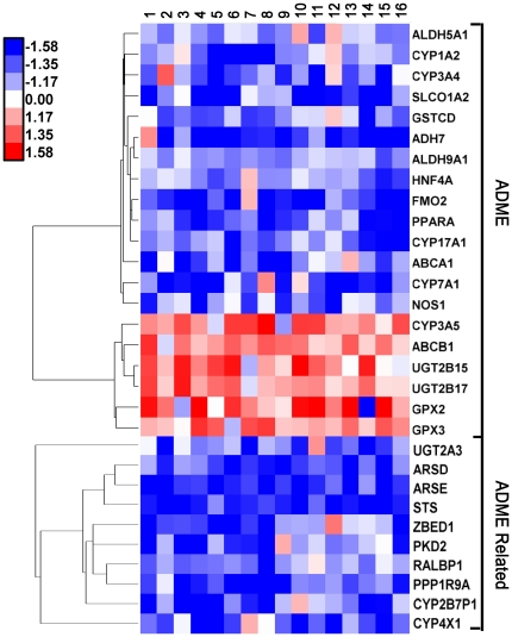
except I'm plotting a scatter plot and not something like geom_tile/heatmap.
thanks.
Answer
You could try the following, I have your example code modified appropriately below:
#I am not so great at R, so I'll just make a data frame this way
#I am convinced there are better ways. Oh well.
df<-data.frame()
for(x in 1:10){
  for(y in 1:10){
    newrow<-c(x,y,sample(1:1000,1))
    df<-rbind(df,newrow)
  }
}
colnames(df)<-c('X','Y','Val')
#This is the bit you want
p<- ggplot(df, aes(x=X,y=Y,fill=cut(Val, c(0,100,200,300,400,500,Inf))))
p<- p + geom_tile() + scale_fill_brewer(type="seq",palette = "YlGn")
p<- p + guides(fill=guide_legend(title="Legend!"))
#Tight borders
p<- p + scale_x_continuous(expand=c(0,0)) + scale_y_continuous(expand=c(0,0))
p
Note the strategic use of cut to discretize the data followed by the use of color brewer to make things pretty.
The result looks as follows.
